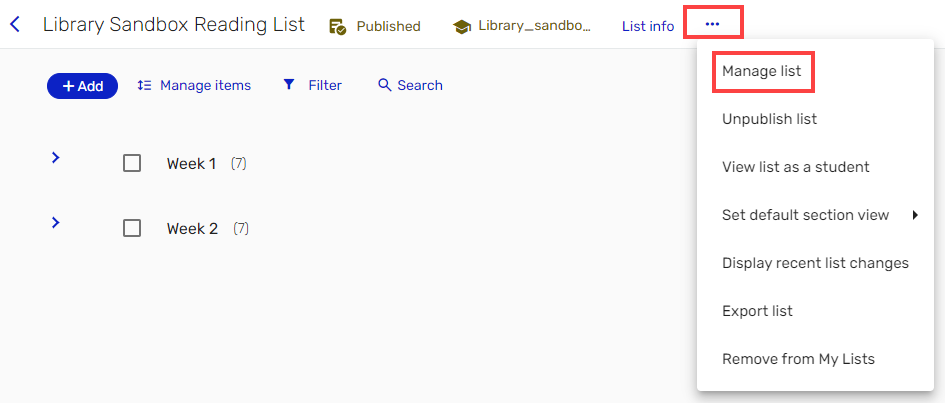
A Course Coordinator may grant permissions to additional collaborators to work on Course Readings. New collaborators are permitted to view, edit, and remove items from the nominated Course Readings, but may not add other users or delete the list entirely.


If you are creating a list from scratch, start by adding a new section.
Course Readings may be divided into sections, like Canvas modules. The sections may mirror your teaching modules (e.g. Week, Module, Topic or Resource type) or may be a single section titled Resources that contain the most important course texts.
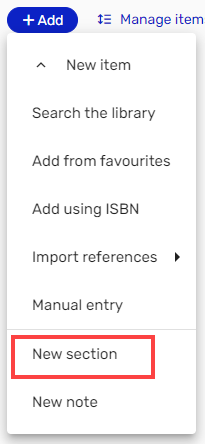
By default, the most recently created section will appear at the bottom of the page. You may change the order of your sections anytime.
If you are working with an existing list you can update the reading list by editing and moving sections and items.
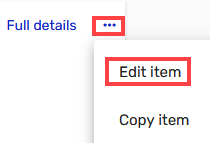
Check essential fields are complete and accurate! The quality of a citation depends on the data entered or harvested from the information source. Sometimes you will need to edit the data from databases or websites.